Decisions from text. Now also from images and audio.
basal-2.0 reads text. basal-omni also accepts images and recordings. You define the questions and allowed answers. The model chooses between them — locally, with a confidence estimate.
ONE DECISION INTERFACEYour questions. Structured answers.
CategoryUrgencyNext action
System-1 models · a classifier defined with every request
01 / CHOOSE YOUR MODEL
Two families. A shared language of decisions.
The same dynamic classifier concept. Choose text models for fast automation, or multimodal models when the answer is in an image or recording.
TEXTMain release
basal-2.0
Fast decisions in your workflow.
Messages, documents, RAG and an agent’s next tool. Up to 255 options per question and multiple questions about a shared context. mini, 4.5B and max are based on Bielik; pico on Qwen3.5.
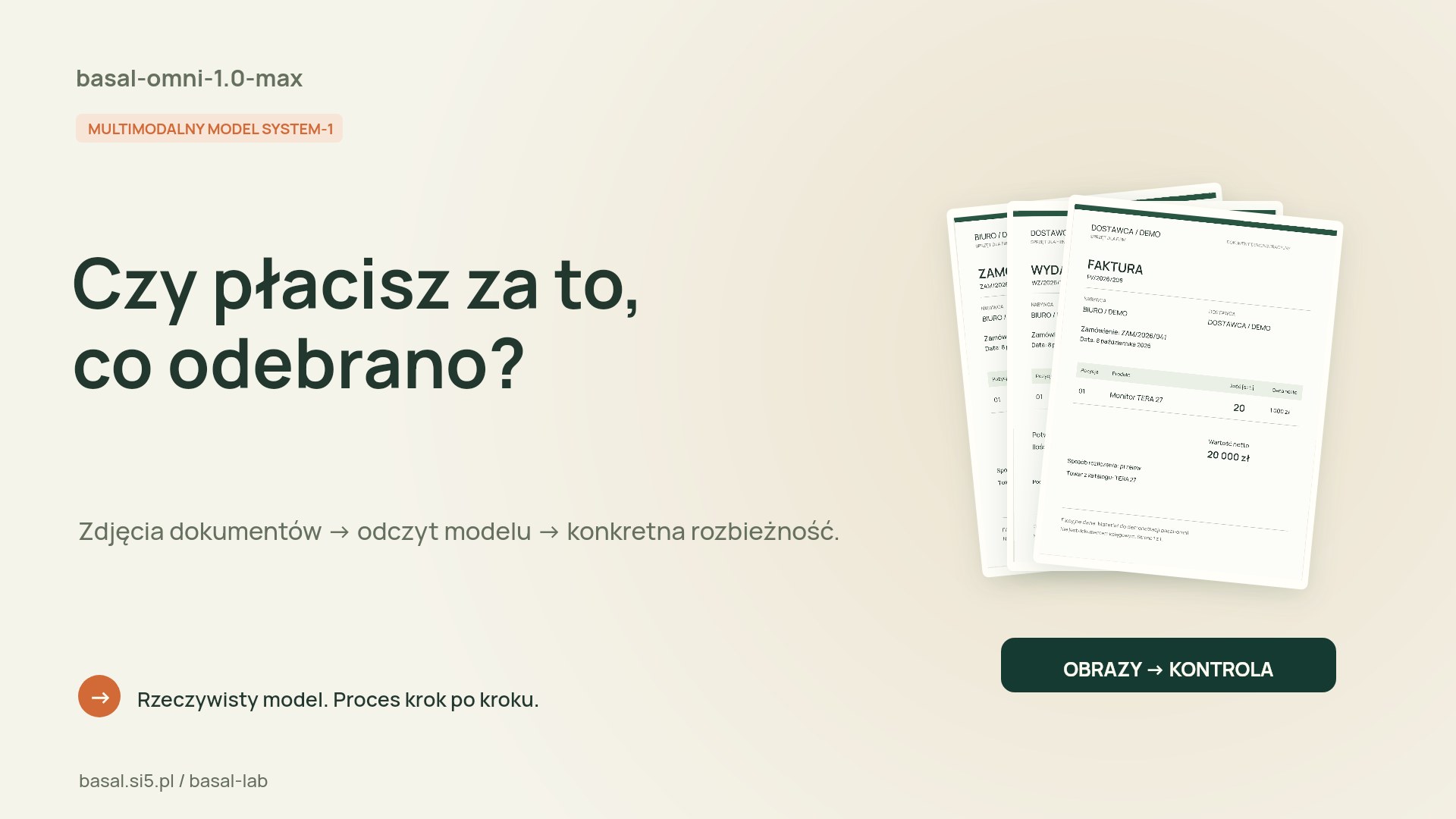
A document scan, a product photo, a recorded customer request. Send the media and ask about its content, without a separate OCR or transcription step. Foundation: Gemma 4.
Weights on Hugging Face: basal-omni-1.0 collection · bf16. New from Saturday 17 October, 09:00: ultra (31B, also FP8 for vLLM) and the experimental max 1.1, trained on the tasks of engine 2.1.
basal-omni is our first release with media: images and audio use the base model's capabilities without additional multimodal training. Calibration comes from text. ultra reads text and images, not audio. Check results and limitations →
02 / HOW BASAL WORKS
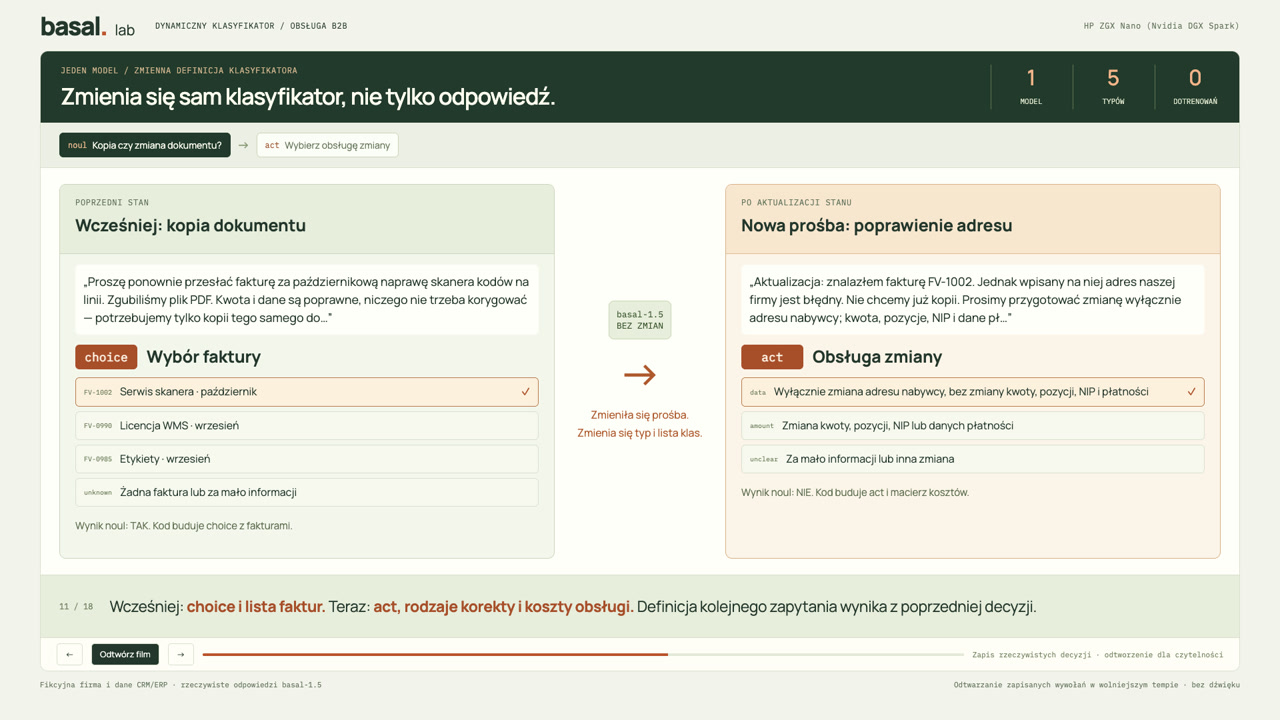
The classifier changes with your question.
You don't train a separate model for every list of categories. You describe them in the request. The next question can address an entirely different process.
01
Provide the data
Text for basal-2.0. Text, images or audio for basal-omni.
“The shipment arrived damaged”02
Ask your questions
Which team? How urgent? Which topics? Several questions about one context in the same call.
Sales · Complaints · Logistics03
Use the decision
Get the result and probabilities. Your application takes the next step or hands the case to a person.
Complaints → support queue
choice one optionnoul yes / noscore ratingmulti multiple labelsact action with coststool agent toolclassifyverifycompressextract tasks · basal 2.1All schemas ↗
IN PRACTICE
Where can you use basal? Examples in brief.
Wherever the next step of a process depends on what a document, message or recording says. You describe the question and the allowed answers; the model returns a decision with a confidence level.
The basal 2.2 engine step by step: labelled examples, a report without writing anything, certified thresholds fitted on your data, and the server with the new calibration file.
Every question schema and the basal 2.1 tasks. Explained step by step.
Every question type with a full JSON example: from choice, noul and score through multi, act and tool to SOAM, calibration and the classify, verify, compress and extract tasks.
Werdykt to nasz ukryty benchmark: 10 kategorii po polsku i angielsku. Pokazujemy sześć modeli basal oraz punkty odniesienia — model API, otwarty model, Jev 1.14, Liquid d1-ultra i Respan Span-02 w dwóch ustawieniach: z rozumowaniem i bez niego (jeden przebieg, jak basal).
5 000decisions · the same protocol
basal-2.0 focuses on speed and hardware flexibility. basal-omni also handles text; its ultra (31B) has the highest accuracy in the basal family.
These are text results. Image and audio quality are shown in the other tab.
Werdykt measures text decisions. Full data and comparison conditions are on the benchmark page.
What does the model read from images and recordings?
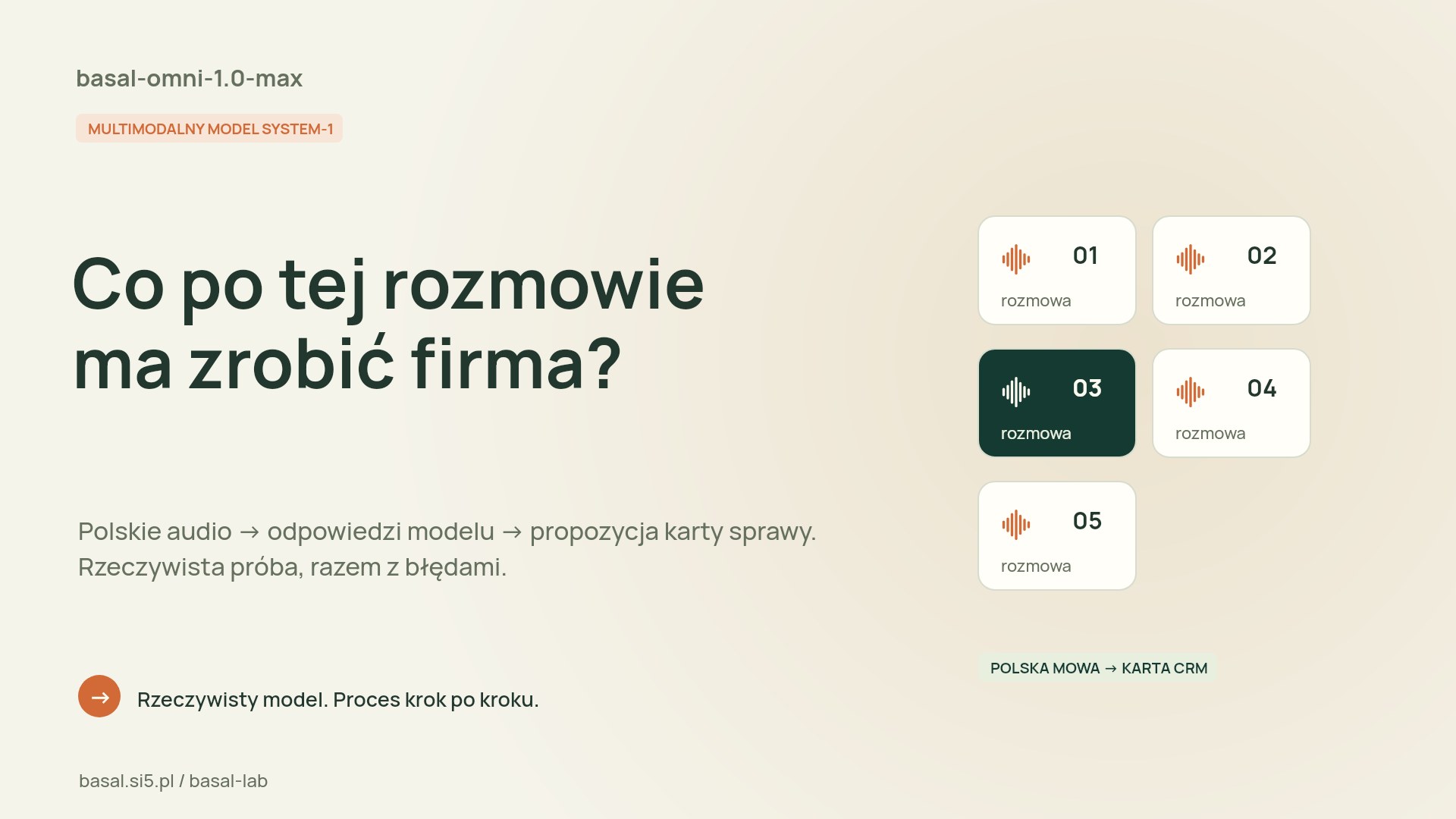
Five small Polish probes, from document images to speaker intent. Here, the input is an actual image or audio recording.
mini · max · ultraon the same questions; ultra images only
Ultra reads images best but takes no audio. Max does better than mini on document images. Mini handles recordings better. Model size is no substitute for testing your task.
Experimental release. Small sample, text-based calibration. The full table compares media with text and the base model.
# 1. Create an environment (requires uv)
uv venv --python 3.12 --allow-existing ~/basal-env
source ~/basal-env/bin/activate

# 2. Install PyTorch and the engine
uv pip install torch==2.11.0 \
  --index-url https://download.pytorch.org/whl/cu128
uv pip install "basal[fp8] @ https://github.com/rkinas/basal/archive/refs/tags/v2.1.0.tar.gz"

# 3. Start the model (bf16; FP8 port: Remek/basal-2.0-4.5B-FP8 --mode fp8)
basal-serve --model Remek/basal-2.0-4.5B \
  --mode fast --template-prefix off --port 8000
TERMINAL · LINUX / WSL + NVIDIA GPUv2.1.0
Install
uv
and a driver supporting CUDA 12.8 (B300 and HP ZGX Nano (Nvidia DGX Spark): cu130). The first start compiles the model for a few minutes. All GPUs:
hardware guide.
GOOD TO KNOW
Which basal fits your project?
Text or multimodal?
basal-2.0 handles text decisions. basal-omni also supports media with compatible models and backends. Engine 2.5 runs omni text decisions in fast, MLX and other supported modes. Match the model port and backend to your hardware and input type.
Does the model write answers like a chatbot?
By default, it returns a typed decision and probabilities for the allowed answers. Use a generative model to write an email or summary; basal can select a path, assess the input or check the result. The release article describes the experimental thinking mode in basal-2.0 4.5B.
What is new in engine 2.5?
Multi-GPU routing, cascades, blend, LLM fallback, confidence controls and a live dashboard. Also faster startup, new ultra formats, Mac caching and integrations for applications and agents. Most new features are opt-in; the recommended 2.8.1 installation includes the bug fixes of 2.5.1–2.8.1. Explore what is new in 2.5 →
Which media does basal-omni support?
Images and audio recordings up to 30 seconds, including alongside text in one request (ultra: images only). This release does not accept video files directly. Your application can extract frames and the audio track first.
Does data have to leave the company?
No. After downloading the weights, you run the model on your own hardware and control the application and its connections. Inference itself needs no external API.
What does the confidence level mean?
It is a calibrated model estimate, not a guarantee of correctness. Choose a threshold using examples from your own process. basal-omni uses calibration fitted on text; it needs separate validation on images and recordings. Explore calibration measurements →
RELEASE / ENGINE 2.5
Explore the full release.
Engine 2.5: new capabilities, measured results, comparison conditions and limits. See what patch 2.5.1 fixes, too.